AI Swim Stroke Apps for Kids: Smart Help or Hype?
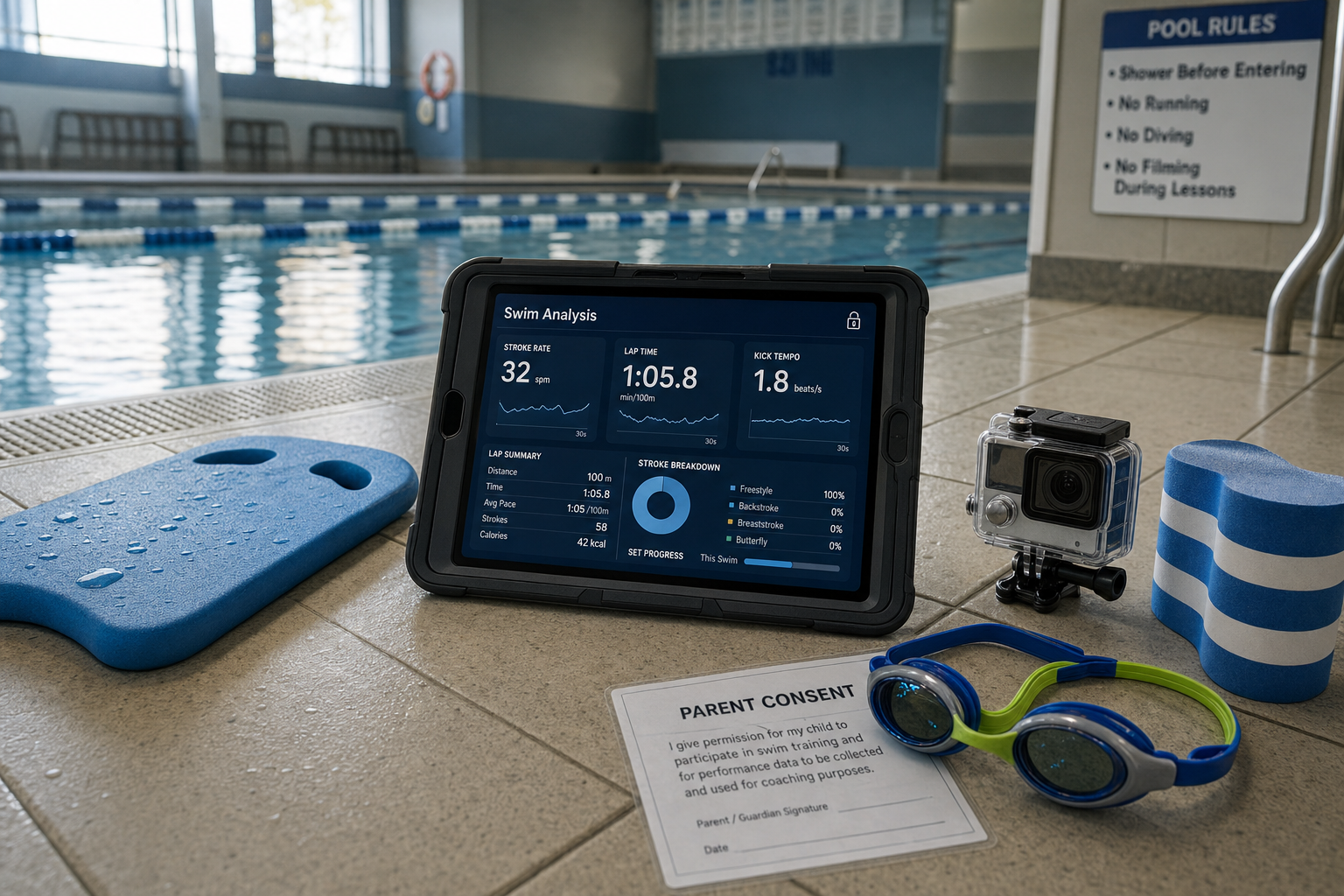
Does AI swim analysis for kids give real improvement—or is it just shiny tech? Let’s cut straight to the answers parents need: when these tools help, when they don’t, how to stay safe, and how to sieve through the hype without overwhelming young learners.
Why Video + Coach Beats AI Alone
For children aged 7–12, research shows that video feedback works best when paired with real coaching—not just recording and replaying. A scoping review of swim learning methods found most studies that used video feedback for kids 6-12 reported positive results only when coaches added verbal cues to explain what children saw on screen. Video alone rarely improved stroke mechanics or confidence unless guided.(pmc.ncbi.nlm.nih.gov) In a particular study, swimmers aged 8-12 improved freestyle technique faster when they got both video review and live coaching, compared to coach feedback alone or videos alone.(waterwisekids.com) In short: the AI swim analysis for kids should reinforce coach cues—not replace them.
When to Try a Technique App
Trying an app makes sense during two key stages: when your child hits a pre-season skills check, and when progress levels off—what coaches call a plateau. Pre-season, apps can help establish benchmarks: how long their glide is, whether their arms bleeding or breathing timing works. When swimming feels like “same pace, same mistakes,” apps with instant feedback can spotlight small corrections—arm alignment, kick timing—that coaches might miss. I once watched my 9-year-old daughter struggle with her breathing side; a side-view clip helped her see the error herself, and a coach-reinforced cue ("look forward when your arm enters") fixed it over a few weeks.
Meanwhile, apps like Onform allow HD video recording above and underwater and side-by-side comparisons so swimmers can see progress.(onform.com) Another example, SwimCues, offers animated stroke models and visual cues for each phase of each stroke.(apps.apple.com) For structured improvement through the season, you might follow the 10-Week Plan of swimy.org which outlines how to combine coach guidance, drills, and tech feedback without overdoing it. https://www.swimy.org/10-week-plan
Pitfalls and Limitations to Watch
AI apps and video tools are far from perfect. Underwater footage still poses big challenges: optical distortion, turbidity, motion blur, and AI struggling to detect object boundaries under water—all of which limit what feedback the app can reliably give.(arxiv.org) Also, over-reliance on scores (e.g. “this app gives me 85/100”) can shift focus onto chasing numbers instead of building fundamentals like balance, rhythm, and breathing control. Apps often don’t know the full context—fatigue, growth spurts, flexibility—which a coach sees in person. Yes, wearable sensors show promise for things like stroke rate or lap count,(pmc.ncbi.nlm.nih.gov) but they just don’t capture the whole form picture.
[[ctakid]]
Privacy, Consent and Pool Rules
Filming minors is sensitive. In the US, USA Swimming’s SafeSport policies require coaches to obtain written parental consent before recording or sharing any video of swimmers under 18, specifying exactly how videos will be used and who can access them.(blog.goswim.tv) For clubs in the UK or Australia, safeguarding guidelines are similar: children and parents must understand the risk, consent must be informed, and images or videos stored securely.(ukcoaching.org) Many public or community pools have rules against filming during lessons or peak times to avoid privacy breaches. Always check facility policy first.
When filming, be sure to limit what’s visible—avoid full body shots with faces, maintain appropriate dress, and focus just on the swim activity. Store videos securely (passwords, cloud with strong security or local only), and only share with authorized people—coach, parent—not social media unless expressly consented.
Keeping Tech Boosters from Overload
Young swimmers can burn out quickly if every session feels like testing or filming. Spread out app-use: maybe one video-analysis session per week, or even fortnightly, rather than every lesson. Use short, focused clips (just a few strokes or starts) rather than full swim sets. Have kids pick just one thing to work on at a time—a cue from SwimCues or from videos—and practise drills around that.
Balance tech with fun. One week’s theme might be “play with float” or “relay races” so that swimming remains enjoyable. Keep coach-led practices as core, and use apps as tools, not the driver.
What Parents Can Do
First, talk with your child’s coach. Ask whether they already use video feedback, when it’s helpful, and how you can support learning at home using tech. Together, set expectations: you’ll want app feedback, but only if paired with coach input.
Second, read the privacy policy of any app your child will use. Does it store footage on servers or local on device? Are accounts needed? Who can view videos? Are kids’ data protected by laws like COPPA (USA), GDPR-K (UK/EU)? If you see vague terms, avoid that app or ask for clarification.
Third, whenever consent is needed for filming, get it in writing and make sure you understand where video goes, how long it’s kept, and whether it could be published. Review consent annually; kids grow, policies should be re-checked.
Bottom Line
AI swim analysis apps can be smart help when they reinforce what a real coach is telling the swimmer, especially for ages 7–12. They’re particularly useful during skill checks or when progress stalls. But they’re not a replacement for in-pool coaching, they struggle underwater, and there are real privacy and ethics rules to follow. Use apps sparingly, focus on one cue at a time, always get consent, and keep fundamentals—balance, rhythm, breathing—front and centre. Smart tech, guided by caring coaching, gives kids the strongest swim.
120+ swimming exercises sorted by age — with video and instructions. Developed by swim instructors, completely free.

120+ swimming exercises sorted by age — with video and instructions. Developed by swim instructors, completely free.